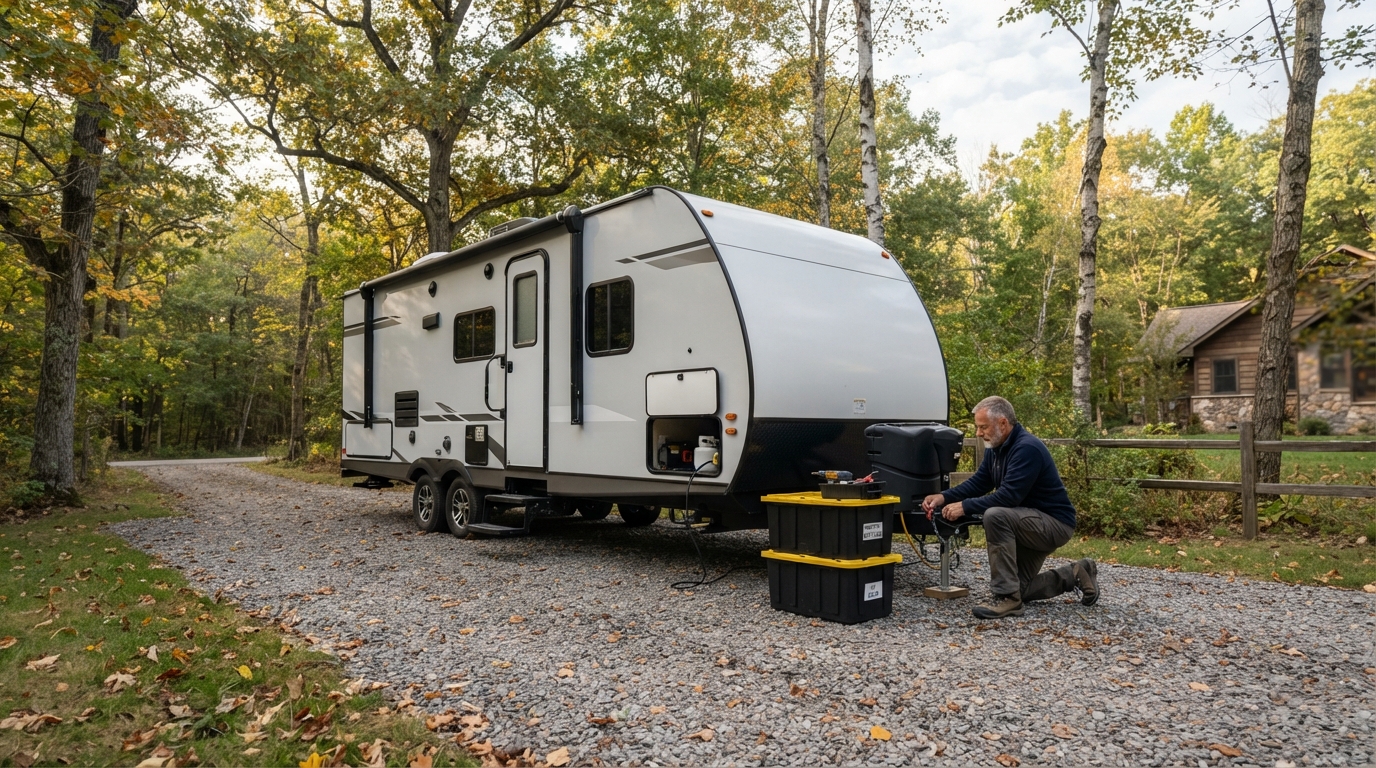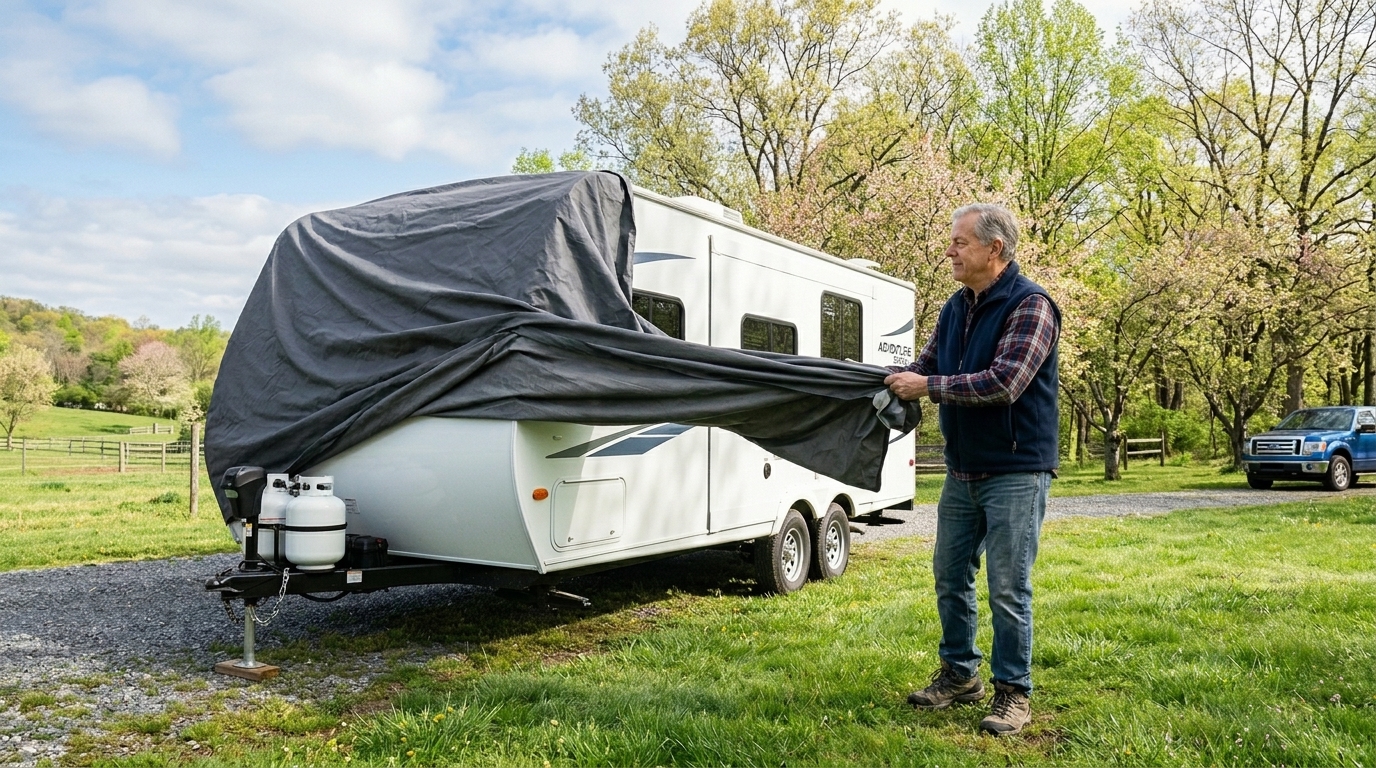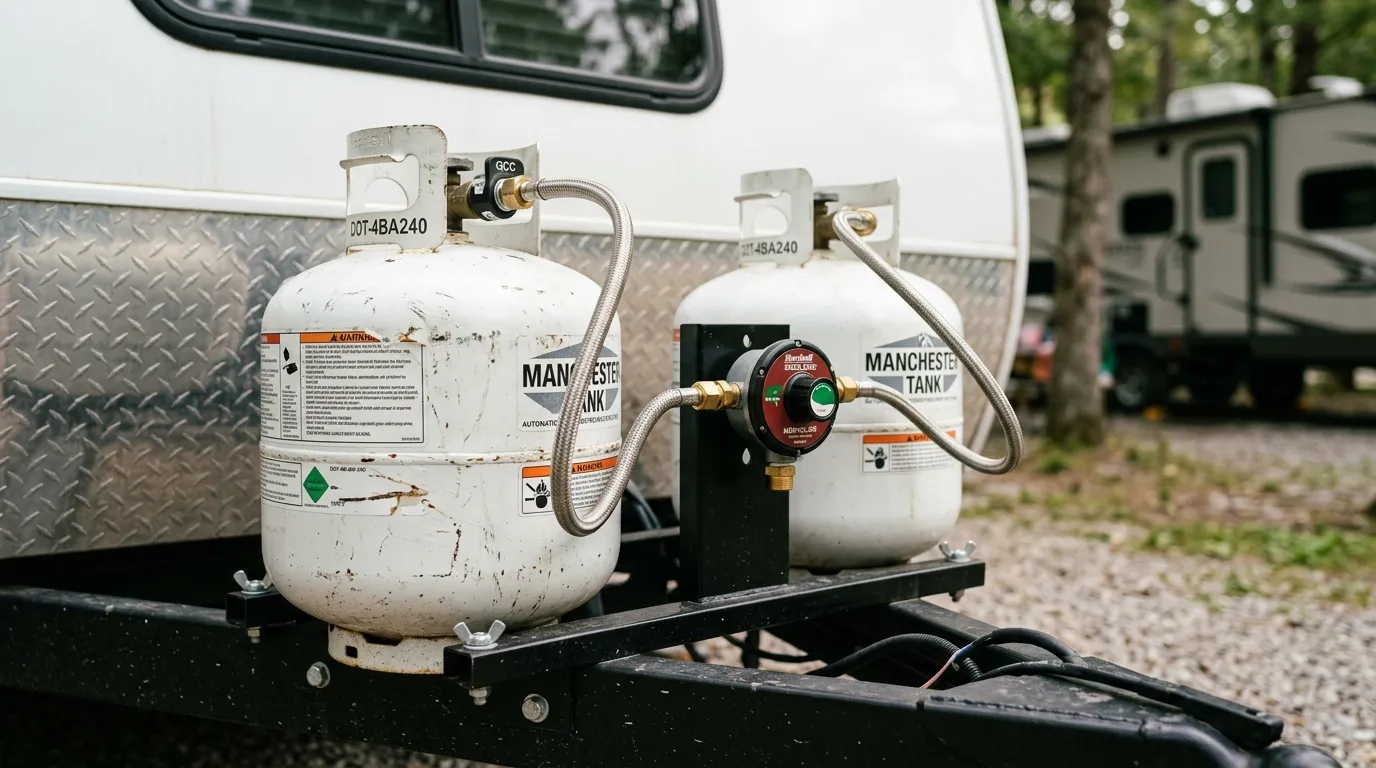
Reliable internet can make an RV more useful for navigation, work, streaming, weather checks, and staying in touch when campground Wi-Fi is weak. Starlink can be a practical option for travelers, but a successful setup involves more than setting a dish on the roof. You need a clear view of the sky, a stable power source, protected cable routing, and a plan for troubleshooting away from home.
This guide explains how to plan a Starlink for RV setup without treating every rig the same. Before buying equipment or drilling into an RV, check owner manuals, local requirements, and current Starlink service terms. Hire a qualified RV technician or electrician if you are not confident working around wiring or roof structure.
Plan the Right Starlink RV Setup
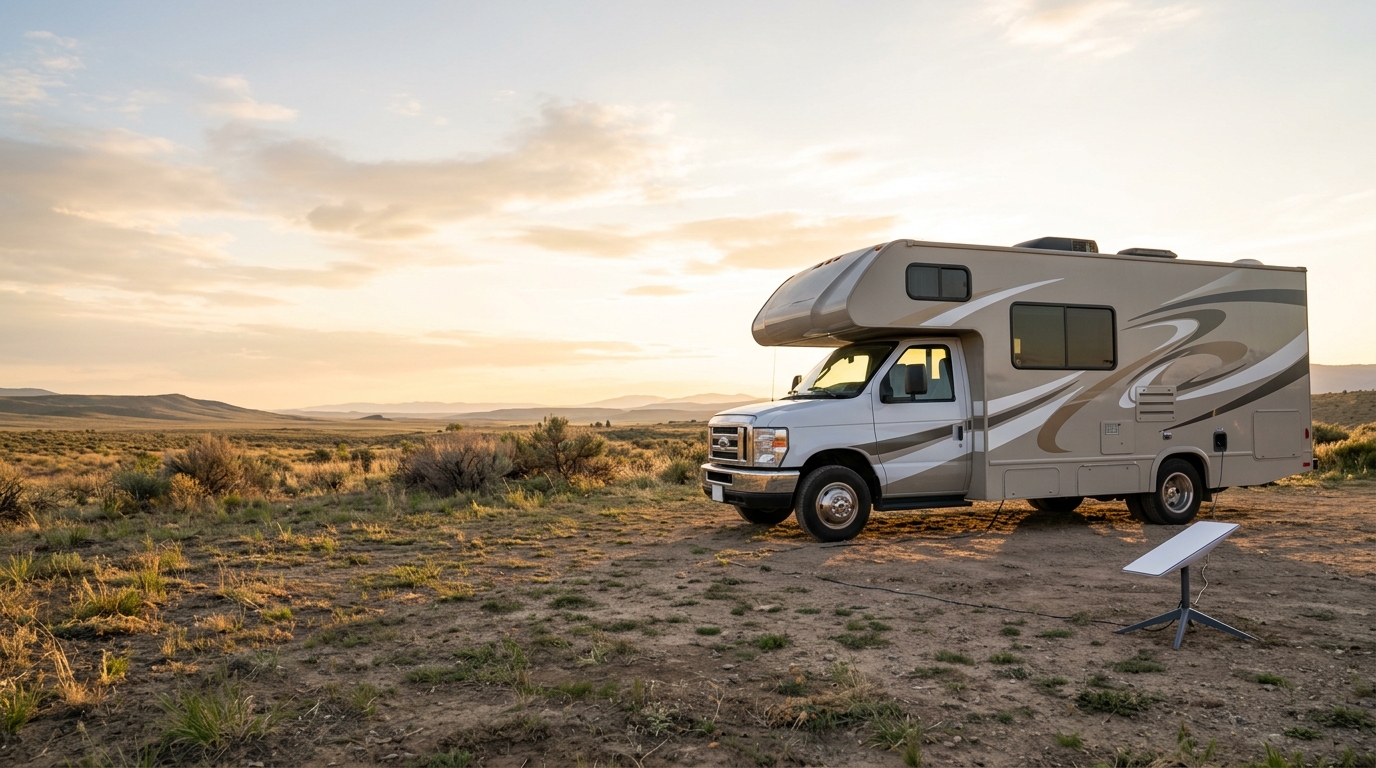
Start with how you use the RV. A portable setup is easier to move, inspect, and store. A fixed installation can save setup time, but it needs careful attention to roof structure, weather sealing, cable routing, and road safety.
Choose Equipment for Your Travel Style
The current Starlink Mini specifications list a compact portable unit, average power use of 25 to 40 watts, and a 12 to 48V DC input rating with a 60W maximum. Use these figures to estimate demand, but expect actual use to vary with conditions and operating time.
Before choosing a kit or plan, review current Starlink Roam service information for availability and mobile-use details. Consider tree cover, off-grid time, data needs, and available battery capacity.
Portable or Fixed Installation
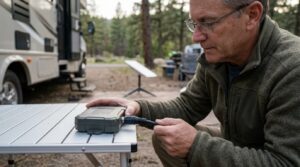
A portable arrangement reduces permanent modifications and lets you move the dish away from shade. The tradeoff is setup time, cable management, and securing equipment against wind or theft. A fixed mount must be firmly attached to a structurally sound surface without creating a travel hazard.
Check Sky View and Secure the Mount
Obstructions are a common cause of intermittent service. Trees, roof accessories, buildings, poles, and parts of the RV can interrupt the signal path. Use the obstruction tool in the Starlink app before choosing a location. A clear view at home does not guarantee one at a campsite.
Route Cables With Care
Keep the power cable away from sharp edges, pinch points, moving slides, exhaust components, and standing water. Use grommets and strain relief where a cable passes through a panel. Do not drill through a roof, wall, or floor without checking for wiring, plumbing, framing, and the required sealant.
The official Starlink Mini setup guide calls for a clear view of the sky, a secure mount, and extra caution for use on a moving vehicle. It also advises users who are uncomfortable with installation to contact a professional. Treat that warning seriously. A loose dish or cable can damage your RV, create a road hazard, or cause injury.
Design a Safe RV Power Connection
Power planning matters most without shore power. Starlink draws energy every hour it runs, so estimate daily load before a long boondocking stay. Multiply expected watts by hours of use to estimate watt-hours. A device averaging 30 watts for eight hours uses about 240 watt-hours before conversion losses.
A direct DC setup can avoid some inverter losses, but it must use the correct input range, connectors, wire size, fuse protection, and polarity. The Starlink Mini specifications call for a 100W USB Power Delivery source at 20V and 5A when using the compatible USB-C to barrel-jack accessory. Do not assume any 12V outlet or USB charger will provide the required voltage and wattage.
Protect the Battery and Wiring
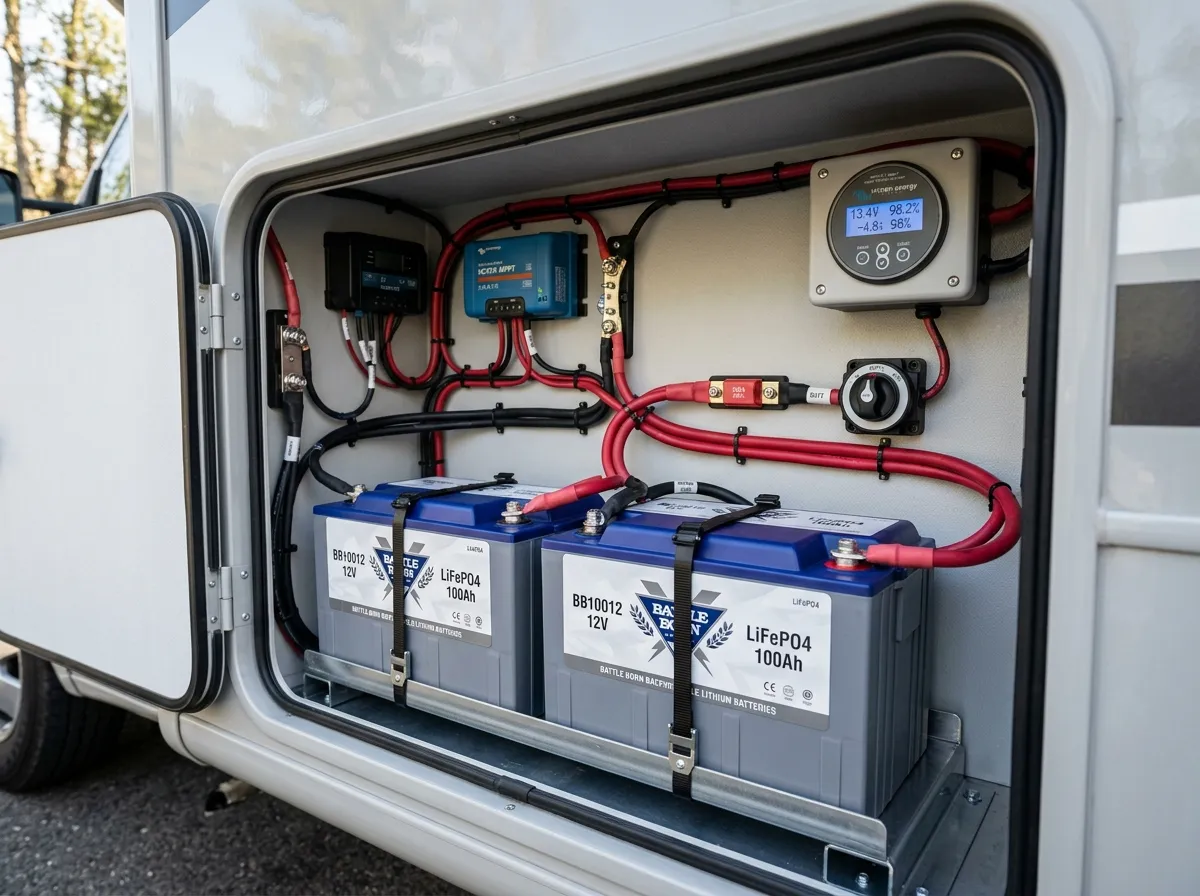
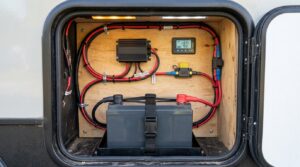
Use a correctly sized fuse or breaker close to the power source, and protect cables from abrasion and heat. A weak battery, undersized wire, poor ground, damaged connector, or overloaded outlet can cause voltage drop. That may make Starlink restart or fail to power on. The site’s common RV electrical problems guide explains basic battery, fuse, outlet, and converter checks.
Do not run a lithium battery below its manufacturer’s recommended limits just to maintain connectivity. Review the site’s RV lithium battery conversion guide before planning a larger battery or charging upgrade. A qualified professional should handle unfamiliar high-current DC wiring, inverter circuits, roof penetrations, or any 120V shore-power modification.
Troubleshoot Power and Connection Problems
Begin with the simplest checks when the system will not connect. Open the app and look for outage, alignment, or obstruction notices. Check that every cable is fully seated and undamaged. Confirm that the power source is on, then inspect the relevant fuse or breaker. If the system is powered through an inverter, verify that the inverter is on and the battery has sufficient charge.
When Starlink Has No Power
Low voltage is common after a night of running fans, lights, a refrigerator, or other DC loads. Measure voltage at the source and, if safe, at the Starlink power connection under load. A meaningful drop points to a battery, cable, connection, fuse, or circuit issue. Never bypass a fuse or fit a higher rating.
Repeated fuse failures, hot wiring, a burning smell, water-damaged connectors, or unexplained electrical behavior are reasons to stop and call a qualified technician.
When Service Is Slow or Intermittent
Check the app for obstructions and outages, then inspect the dish location and cable condition. Sky view can change when you move the RV, deploy an awning, park near trees, or add roof accessories. A factory reset may erase settings, so rule out basic power and obstruction problems first.
If your RV display shows a low-voltage or electrical warning, address the vehicle issue before focusing on internet performance. The site’s RV warning lights and dashboard indicators guide can help readers understand broader warning signs, although an aftermarket trailer TPMS or Starlink app alert may use its own indicators.
Use a Pre-Trip and Arrival Checklist
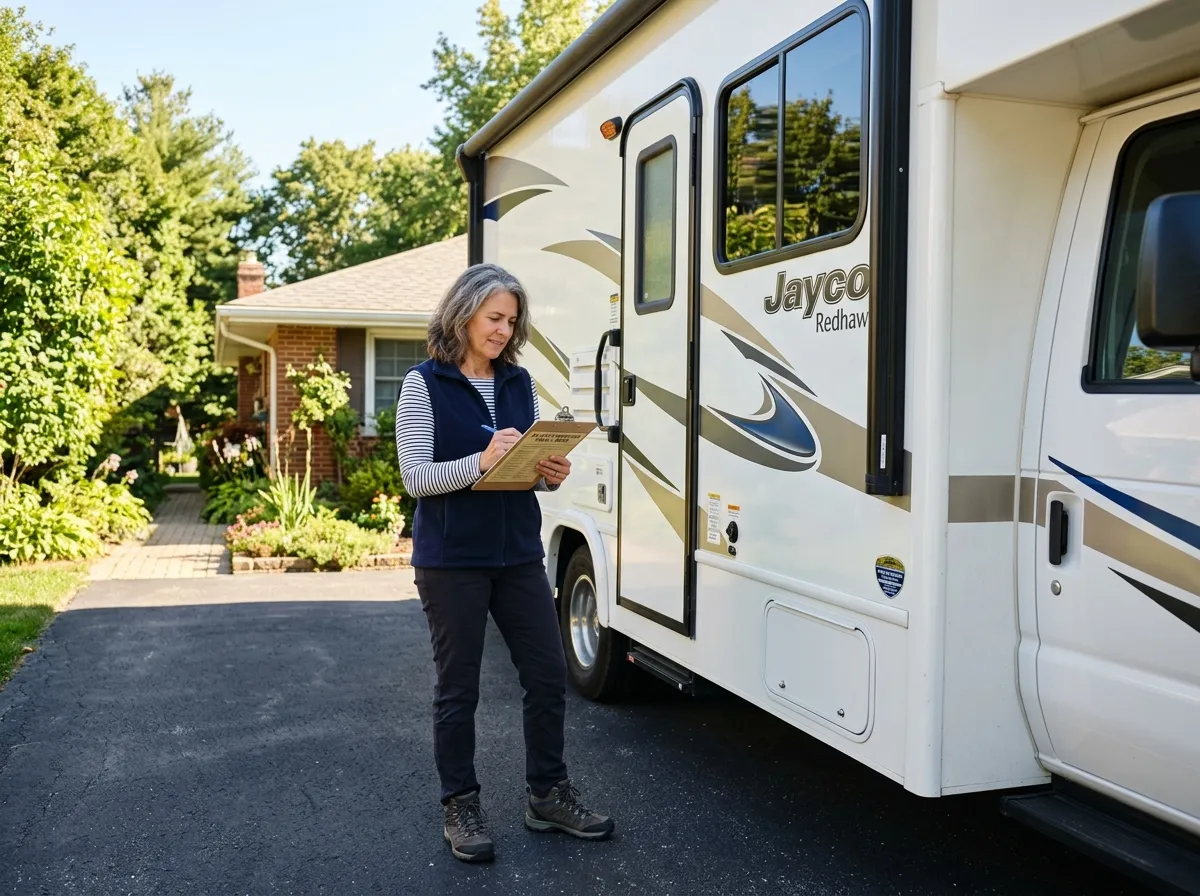
Before driving, inspect the mount, cable, connectors, and stored equipment. Confirm that a portable dish is packed securely and a fixed installation has no loose hardware or damaged sealant. At the campsite, check for obstructions, connect power, and confirm service before relying on it for work or navigation.
Add these checks to your regular departure routine. The site’s DIY RV pre-trip inspection checklist is a useful place to build that habit. A thoughtful Starlink RV setup combines strong mounting, suitable power, protected wiring, and a clear troubleshooting plan. That preparation gives you a better chance of dependable connectivity without compromising RV safety.